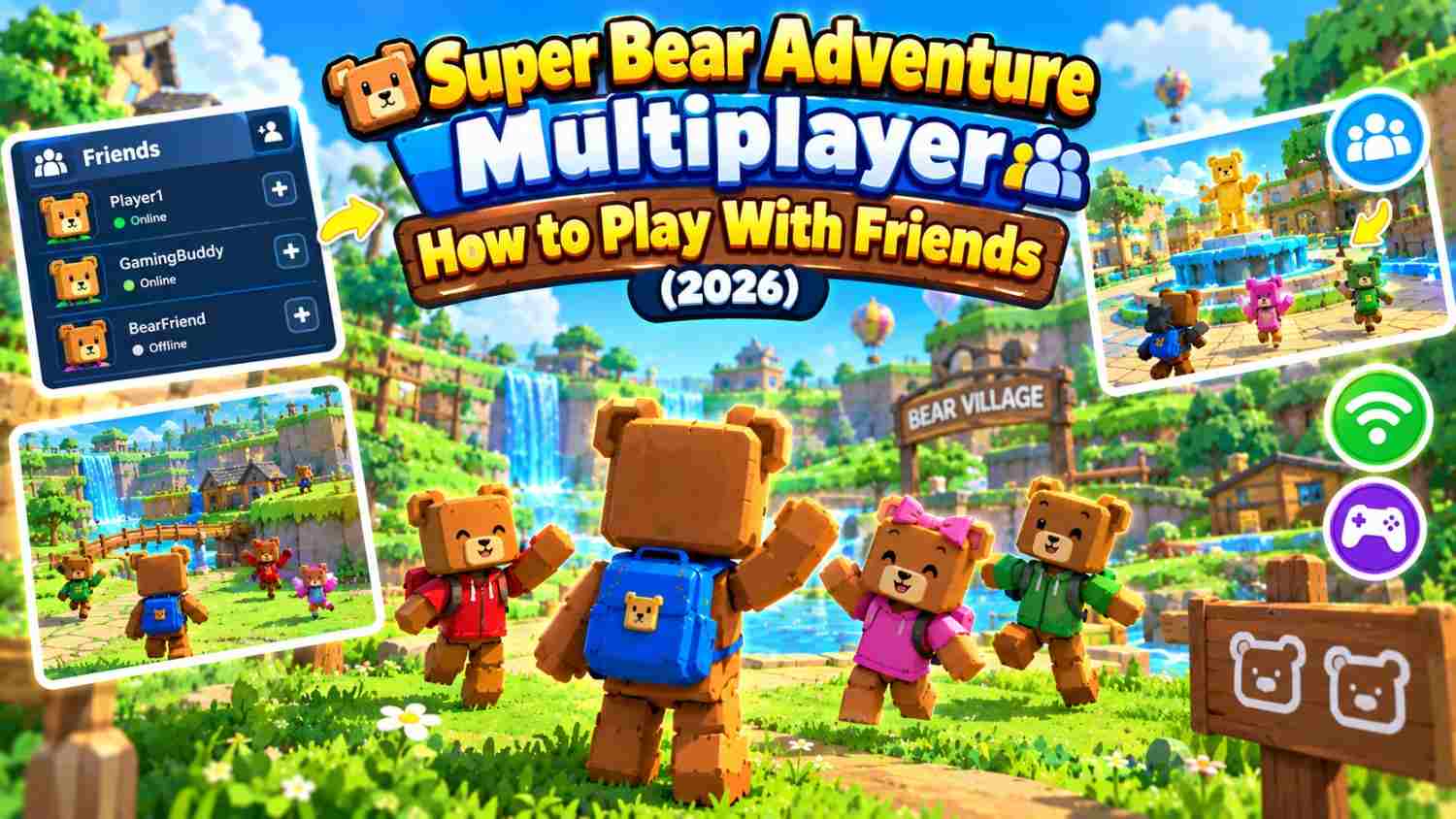
Super Bear Adventure Multiplayer: How to Play With Friends (2026)
Yes, you can play Super Bear Adventure with friends. Online co-op lets up to four players explore the kingdom together on Android, iPhone, iPad and Nintendo Switch.
Multiplayer arrived in version 12.0, “The Multiplayer Update”, on July 2, 2025. Since then, Earthkwak Games has added easier invite codes, group emotes and even an area you can only finish with friends.
What Is Super Bear Adventure Multiplayer?
Multiplayer is an online co-op mode. You and up to three friends share one world, explore levels together and rescue captured bears as a team.
It is not a separate game with new maps. You play the normal adventure, but with friends beside you. Vehicles were even updated so friends can ride along as passengers.
Play is invite-only. There is no random matchmaking, so strangers cannot join unless you share your code with them. That makes it easy to play only with people you know.
Which Platforms Support Super Bear Adventure Multiplayer?
Multiplayer works on every official version of the game. Here is what each platform needs.
Android and iOS
The Android and iPhone or iPad versions are free, and so is multiplayer. You just need the latest version from Google Play or the App Store and an internet connection. On iOS, the game uses your Game Center name in multiplayer.
Nintendo Switch
The Switch version supports 1 to 4 players online. Online play on Switch needs a paid Nintendo Switch Online membership.
Can You Play Multiplayer on PC?
There is no official PC version. You can run the Android version through Google Play Games on PC or an emulator. The developer has not confirmed that PC players can join mobile parties.
Does Super Bear Adventure Support Cross-Play?
Yes. The developer confirms cross-play between Android, iOS and Nintendo Switch. Everyone in the party must have the same game version.
How to Play Super Bear Adventure With Friends
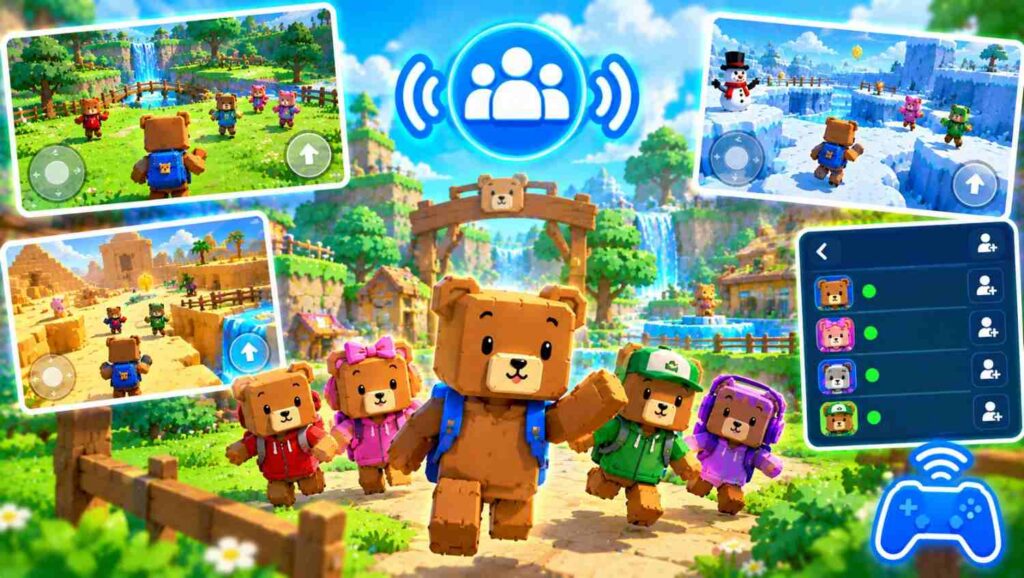
One player hosts the party and the others join. It takes only a minute once everyone is ready.
Step 1: Update the Game
Make sure every player has the latest version. Open Google Play, the App Store or the Nintendo eShop and install any update. Different versions are the most common reason friends cannot join each other.
Step 2: Find the Network Machine
The Network Machine is in Bear Village, the game’s main hub. Walk up to it and use the interact prompt on screen to open the multiplayer menu. With a controller or on Switch, press the button shown on screen.
Step 3: Create a Multiplayer Party
- Open the multiplayer menu at the Network Machine.
- Choose to create a new party.
- Wait a moment while the game connects and sets up your party.
You are now the host. The game picks the best server region for you, so there is nothing else to set up.
Step 4: Invite Friends Using a Code
Your party has an invite code. Copy it and send it to up to three friends through a message or chat app.
Since version 12.1.4, you can copy and paste codes easily, which helps avoid typing mistakes. Only share your code with people you know.
Step 5: Join and Start Playing
Your friends go to the Network Machine, choose to join a party and paste your code. Once everyone is in the lobby, get ready and start your adventure together.
The lobby shows each player’s game version, so you can spot a mismatch quickly. You can also play emotes in the lobby while you wait.
Multiplayer Features and Party Settings
The host controls how the party plays. These settings can be changed even after the game has started.
Party Controls and Player Settings
- Player damage: turn friendly fire on or off.
- Collisions: stop players from bumping into each other.
- Emote rules: control how the infection tag emote works.
- Kick players: remove someone from the party after confirming.
Group Voting System
Big choices are made by vote. When someone wants to enter a level or reset the map, a notification pops up for everyone. Tap it to vote, so the whole group agrees before anything changes.
Multiplayer Emotes and Activities
Emotes help you talk and play without words. Group emotes include hugs, high fives and rock-paper-scissors. Fun emotes let you spawn soccer balls, plant flags or hide as a prop, which turns any level into a playground.
What Can You Do Together in Multiplayer?
Explore Worlds and Rescue Bears
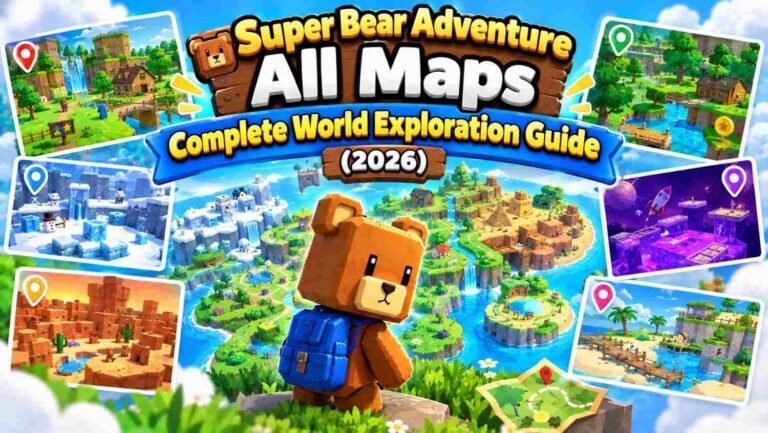
You can explore the main worlds as a team, including Turtletown, Snow Valley, the Beemothep Desert and the Giant House. Split up to find coins and keys faster, then meet up to free the captured bears.
Play Multiplayer Mini-Games
Emotes turn into quick party games. Play infection tag, where you tag others to pass on the “infection”, or prop hunt, where you hide as an object. Soccer-ball emotes even keep score.
Explore Multiplayer Bonus Areas
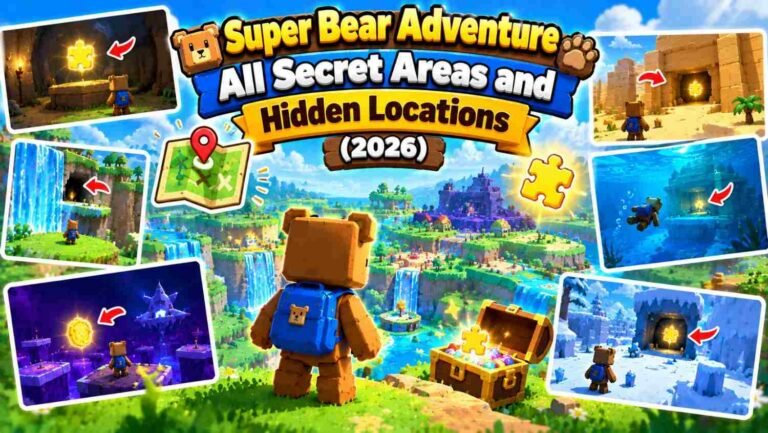
The mole bonus levels, such as the Mole Mines and the Astral Temple, work in multiplayer. The Crystalline Lagoon, added in 13.0, has an optional area that can only be completed with friends.
Enjoy Vehicles and Group Activities
Friends can ride in vehicles together as passengers. When multiplayer launched, The Hive, the Arcade World and Tristopio’s missions were single-player only, so check in game whether that has changed.
Super Bear Adventure Multiplayer vs Single-Player
Both modes use the same worlds, but they feel different. Multiplayer is better for fun with friends, while solo play gives you the full game and your own pace.
| Feature | Single-player | Multiplayer |
|---|---|---|
| Players | 1 | Up to 4 |
| Internet needed | Not officially confirmed | Yes |
| Main worlds | All | All main worlds |
| The Hive and final boss | Yes | No at launch |
| Arcade World | Yes | No at launch |
| Tristopio’s missions | Yes | No at launch |
| Crystalline Lagoon co-op area | No | Yes |
| Emote games (tag, prop hunt) | Limited | Yes |
| Group voting | No | Yes |
| Personal best times saved | Yes | No |
Finish the story solo, then team up with friends for bonus areas and party games.
Super Bear Adventure Multiplayer Not Working?
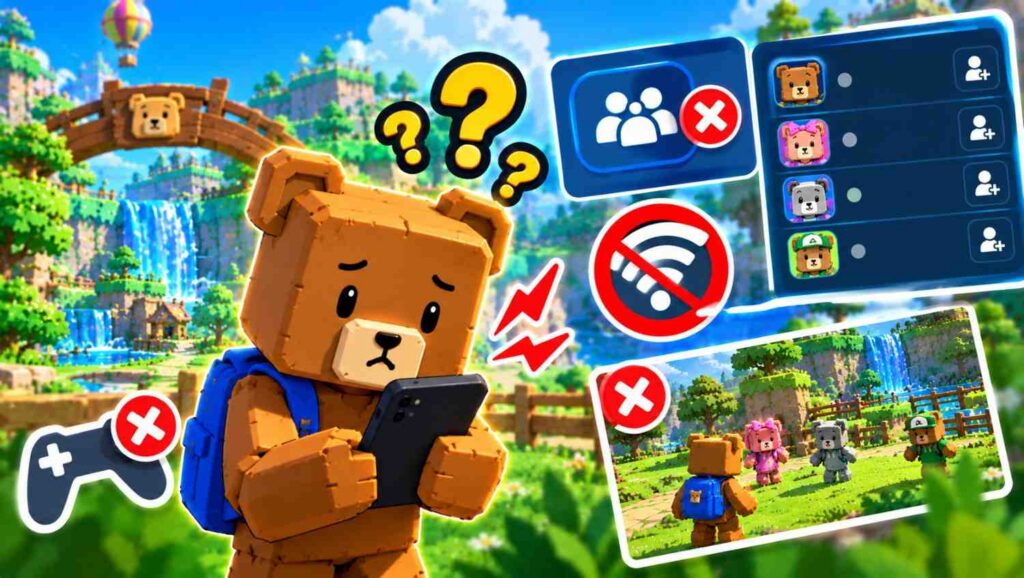
Most multiplayer problems have a simple cause. Work through these fixes in order.
Cannot Join a Friend’s Party
First, check that the party is not full, since a party holds four players. Then ask the host to leave and create a new party with a fresh code. If joining fails, the game shows a help window with tips, so read it before trying again.
Invite Code Not Working
Copy and paste the code instead of typing it. The invite code format changed in version 12.1.4, and 12.1.5 fixed another code issue. If you are on an older version, update the game and ask for a new code.
Connection Problems
Switch between Wi-Fi and mobile data, or restart your router. Close apps that use a lot of internet, like video streaming. On Switch, check that your Nintendo Switch Online membership is active.
Game Version Mismatch
Everyone must have exactly the same version. Check the version number on the lobby screen, then have anyone behind update from their app store. Switch updates can arrive a little later than mobile ones.
Tips for a Better Multiplayer Experience
- Agree on rules first. Decide on friendly fire and collisions before you start.
- Use emotes to talk. The developer’s notes don’t mention voice chat, so emotes or a separate chat app help you team up.
- Split up to explore. Search different areas for coins, keys and chests.
- Use stable Wi-Fi. It is usually steadier than mobile data with four players.
- Keep your code private. Share it only with people you know.
- Update together. Agree to update on the same day so nobody gets left out.
Frequently Asked Questions
How many players can play together?
Up to four players can join one party: you and three friends.
Can I play multiplayer offline?
No. Multiplayer is online only, and every player needs an internet connection.
Is Super Bear Adventure multiplayer free?
Yes, on Android and iOS. On Nintendo Switch, online play needs a paid Nintendo Switch Online membership.
Can Android and iPhone players play together?
Yes. Cross-play works between Android, iOS and Switch, as long as everyone has the same game version.
Can I play multiplayer on PC?
There is no official PC version. You can run the Android version through Google Play Games or an emulator, but PC cross-play is not officially confirmed.
Does multiplayer progress save?
The developer has not explained exactly how progress saves for guests. For important unlocks, finish them in your own game too.
Is random matchmaking available?
No. You can only join friends who share an invite code with you.
Conclusion
Super Bear Adventure multiplayer turns the solo adventure into a team trip for up to four players. Update the game, visit the Network Machine in Bear Village and share your invite code. With cross-play on Android, iOS and Switch, getting your group together is easy.