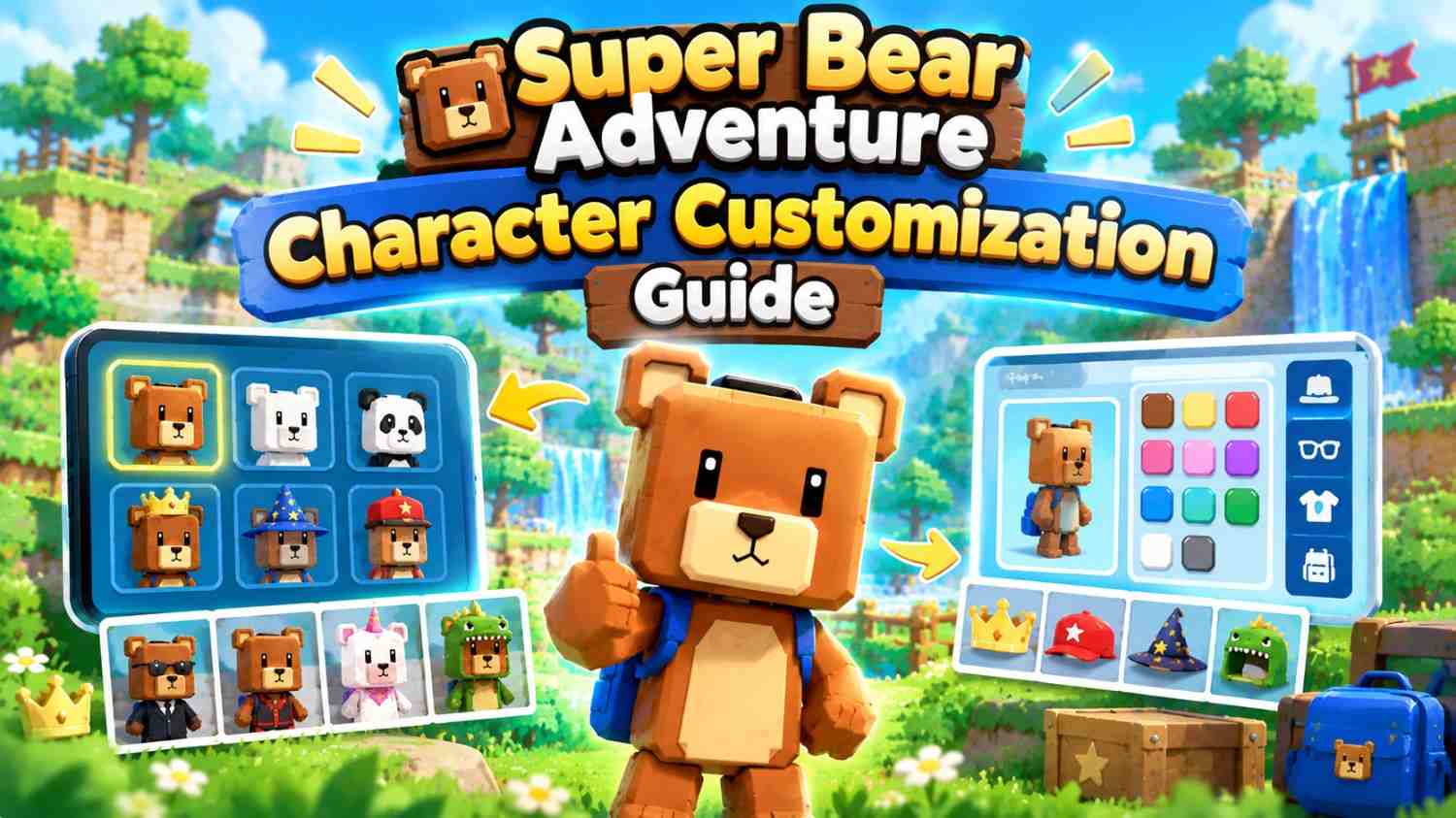
Super Bear Adventure Character Customization Guide
You can fully customize Baaren in Super Bear Adventure. Hats, outfits, skins, eyes, accessories and even pets can be mixed together, and many items can be upgraded into new versions.
Most items are unlocked with coins you earn by playing, while some come from chests and optional paid bundles. You change your look in the bear customization area in Bear Village.
What Is Character Customization in Super Bear Adventure?
Character customization lets you change how Baaren looks. It is cosmetic. Items change your appearance, not your health or attack power, though a few add fun effects, such as a surfboard you can ride or a muscle car that replaces the desert vehicle.
The system has grown a lot over the years. Hats arrived in 2017, a full item system in 2024, and a redesigned customization area in July 2026.
Today you can wear several items on each part of the body at once. The developer says this allows “millions of unique combinations”, so no two players need to look the same.
How to Customize Your Bear in Super Bear Adventure
Finding Customization Options
Head to Bear Village, the game’s hub. The bear customization area, often called the studio, is where you dress Baaren. Version 13.0 rebuilt it with a brand-new interface.
Grannytalus, the shopkeeper in Bear Village, runs the item shop and lootboxes. Capitalos’ blue shop sells the paid cosmetic bundles.
Screenshot idea: the customization area in Bear Village. Alt text: “Super Bear Adventure bear customization area in Bear Village”
Changing Your Character’s Appearance
- Walk into the customization area in Bear Village.
- Browse the item categories, or use the search tool to find an item by name.
- Tap an item to equip it. A sound plays when it goes on.
- Stack more items on the same body part if they fit together.
- Save the look as a preset outfit so you can switch back later.
The area also has handy tools: undo and redo for mistakes, randomize for a surprise look, and clear to start fresh. You can also save outfits and share them with friends.
Exploring Available Customization Items
The in-game category names can change between updates, but items broadly cover these groups:
- Head items: hats, helmets, masks, hair and head shapes.
- Face items: eyes, glasses and expressions.
- Body items: shirts, jackets, pyjamas and full outfits.
- Hands and feet: gloves, boots and flip-flops.
- Skins: change Baaren’s fur colour or whole look.
- Special items: effects such as trails and auras.
- Legendary items: rare extras, including pets.
Shicka, Baaren’s companion, can wear cosmetics too. Since 2023, Shicka’s skin also shows up in The Hive.
Super Bear Adventure Hats and Outfits
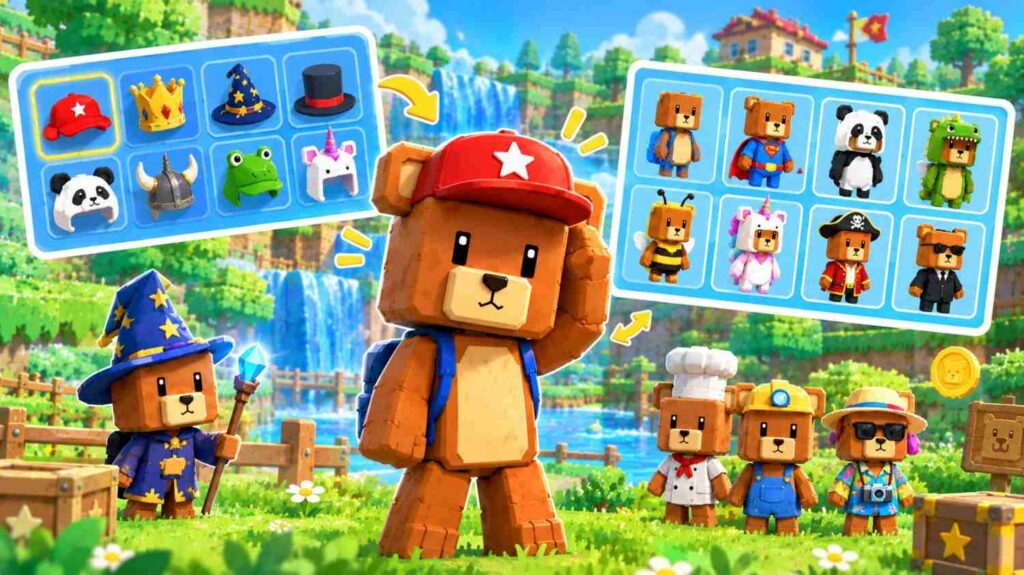
The game has hundreds of items, and version 13.0 alone added more than 150. The lists below only include items the developer has named in its changelog, so you know they really exist.
Available Hats
These hats and head items are confirmed by the developer:
| Hat or head item | Added in | Note |
| Gas mask, Swollen head | 1.1.2 (2017) | Among the very first hats |
| Birthday cake hat | 10.3 (2023) | Celebrated the game’s 6th anniversary |
| Modern cap, Bandana, DJ headset, Moose horns, Short hair | 11.0 (2024) | Part of the cosmetic overhaul |
| Knight helmet | 11.1.3 (2024) | 4 levels; the visor closes when an enemy is near |
| Head bow | 11.1.3 (2024) | 4 levels |
| Cowboy hat | 11.0 (2024) | Part of the Sheriff Bear outfit |
| Skull | 11.1.3 (redesign) | Now has 3 levels |
| Soccer cap, Miner helmet, Snowman head | Later updates | Named in bug fixes |
Character Appearance Options
Beyond hats, you can change almost every part of Baaren’s look:
- Eyes: cartoon eyes, feminine eyes and a cute face with a little tongue.
- Head shapes: a child head and other head morphs.
- Body: a skeleton body, duck pyjamas and full themed outfits.
- Accessories: capes, a scarf, a mustache, boxing gloves and a balloon.
- Skins: colour skins such as the red bear skin, plus golden skins.
- Special items: rainbow trails, a ghost trail, a cloud and a “tiny bear” effect.
- Legendary items: a pet bird, Pet Violette, magical footsteps and a black-and-white “noire vision”.
The Pierre Music Kit Vol.1 adds four full outfits: Night Bear, Summer Bear, Rapper Bear and Sheriff Bear. The Summer Bear set includes a working surfboard, and the Night Bear set includes a muscle car.
Screenshot idea: Baaren wearing the knight helmet. Alt text: “Baaren wearing the knight helmet in Super Bear Adventure”
How to Unlock Customization Items
| Method | What you get | Cost |
| Item shop | A rotating set of items | In-game coins |
| Lootboxes | Random items of different rarities | In-game coins |
| Chests in levels | Items and emotes | Free, by exploring |
| Rescuing bears | Some cosmetic rewards, according to players | Free |
| Maybee’s Gift Shop (The Hive) | Special items | Complete tasks |
| Cosmetic bundles | Themed sets of unique items | Real money |
| SBA Gold | Premium perks and exclusive extras | Real money |
When the shop was overhauled in version 11.0, it showed 18 items and refreshed every 8 hours. Check back often, because the stock changes through the day.
Version 13.0 added five themed bundles: Cosmic Crew, Mission Explorers, Robot Lab, Pirates of the Forgotten Sea and Osos Latino. Pierre Music Kit Vol.1 also became a bundle. They hold unique paid items, separate from the items you can earn by playing.
How to Collect More Customization Items
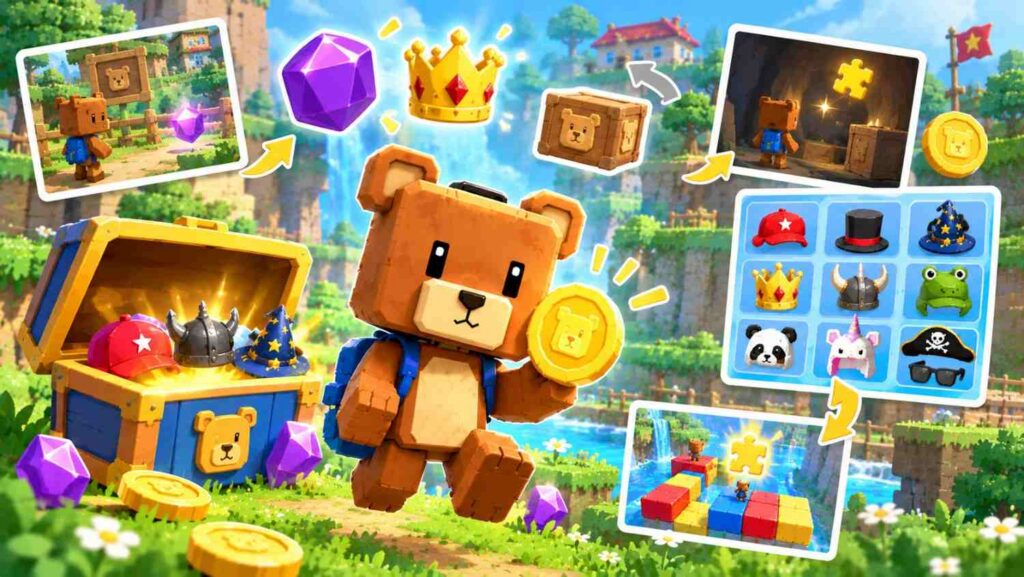
You don’t need to spend money to build a great wardrobe. Here are the best free ways to grow your collection:
- Collect every coin. Coins pay for shop items and lootboxes. Coins you’ve already picked up look see-through, so you can spot the ones left in each level.
- Open every chest. Chests are hidden across the worlds and mole levels, and many contain items or emotes. Version 13.0.2 even added new chests for items that couldn’t be obtained before.
- Play the bonus levels. The mole challenges, unlocked after The Hive, are packed with chests.
- Visit the shop often. The stock rotates, so a hat you want may appear later in the day.
- Upgrade your items. Since version 11.0, many items have levels. Upgrading unlocks new variants, such as more styles of the knight helmet.
- Earn coins in the Arcade World. Its mini-games give coin rewards.
- Try items before buying. You can preview items before unlocking them, so you never waste coins.
Best Character Customization Tips
- Save your favourite looks as presets. Swapping between them takes seconds.
- Use randomize for ideas. It can create combinations you’d never think of.
- Mix item levels. Higher levels often look very different from the first version.
- Match your outfit to the world. A scarf in Snow Valley or the Summer Bear set in the desert makes great screenshots.
- Use photo mode. Show off your look with filters, and try the green screen room in the hub for a clean background.
- Share outfits with friends. The save-and-share feature lets friends copy your style.
Common Customization Problems and Solutions
| Problem | Likely cause | What to do |
| Outfit changed after an update | Version 11.0 merged some items into levels of one item | Re-equip the item at its new level |
| Bundle missing on another save slot | A bug before version 13.0.3 | Update the game; bundles now unlock on every save |
| Bought item not showing | In-app purchase issues fixed in 13.0.7 | Update, and sign in with the same store account |
| Strange cube on the save screen | A rendering bug fixed in 13.0.4 | Update the game |
| Tiny bear looks the wrong size | A scaling bug fixed in 13.0.4 | Update the game |
| Can’t afford a lootbox | Not enough coins | Replay levels and arcade games for coins |
Frequently Asked Questions
Can you change your bear’s appearance?
Yes. Visit the bear customization area in Bear Village to change Baaren’s hats, outfits, eyes, skins and accessories at any time.
How do you unlock more hats?
Buy them with coins in the item shop, win them from lootboxes, or find them in chests across the worlds. Some hats come in paid bundles.
Are customization items free?
Most are. You unlock them with coins and chests from normal play. Cosmetic bundles, the Pierre Music Kit and SBA Gold cost real money.
Can you customize your character in multiplayer?
Yes, your outfit shows in multiplayer. Some items react to it, too. For example, the Ghost Trail takes on your player colour. You can even play emotes in the lobby while you wait.
Do character customization options change between updates?
Yes, often. Version 11.0 merged some items into levels, and 13.0 added 150+ items and a new customization area.
Conclusion
Super Bear Adventure gives you huge freedom to make Baaren your own. Collect coins, open chests and check the shop often to grow your wardrobe, then save your best looks as presets. With hundreds of items and upgradeable levels, there’s always a new style to try.