Super Bear Adventure Download for iPhone and iPad
Super Bear Adventure is free on the Apple App Store for iPhone and iPad. The latest version is 13.0.8, and it needs iOS or iPadOS 15.0 or later. Download it only from the official listing by Earthkwak Games. Download Super Bear Adventure on the App Store
Adventure
& Unlock Hats
| App info | Details |
|---|---|
| Latest version | 13.0.8 (October 5, 2026) |
| Developer | Earthkwak Games |
| Price | Free, with optional in-app purchases |
| Download size | 445.1 MB |
| iPhone | iOS 15.0 or later |
| iPad | iPadOS 15.0 or later |
| Age rating | 4+ (contains ads) |
| Multiplayer | Online co-op, up to 4 players |
Super Bear Adventure iOS Requirements
Your iPhone or iPad needs iOS 15.0 or later. Older pages that list iOS 11, 12.4 or 13.0 are out of date, since the App Store now asks for iOS 15.
To check your version, open Settings > General > About and look at iOS Version.
Supported iPhone and iPad Models
The developer does not publish a device list. Any device that can run iOS 15 or iPadOS 15 meets the minimum, according to Apple’s compatibility list:
iPhone: iPhone 6s, iPhone SE (1st generation) and every newer model
iPad: iPad (5th generation) and newer, iPad mini 4 and newer, iPad Air 2 and newer, and all iPad Pro models
iPod touch: 7th generation
Older models meet the minimum but may load more slowly. Newer devices give the smoothest experience, especially in multiplayer.
Storage Space
The download is 445.1 MB. Keep about 1 GB free so updates and save data have room. Check your space in Settings > General > iPhone Storage (or iPad Storage).
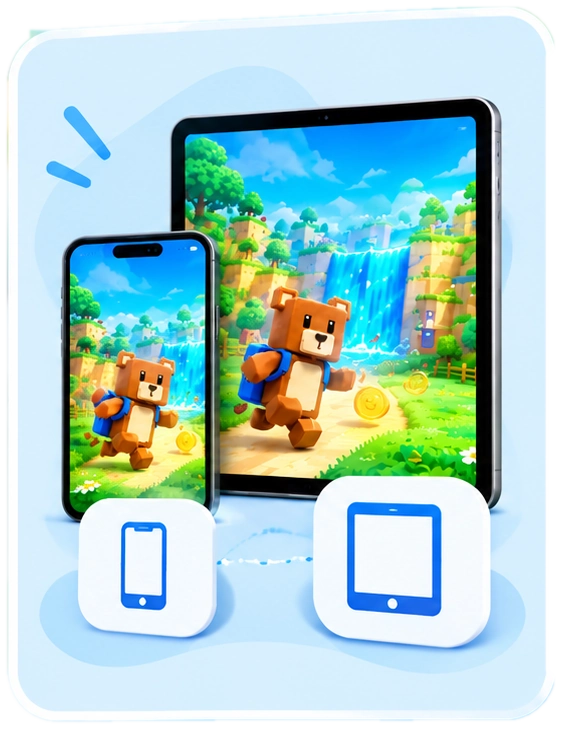
iPhone or iPad?
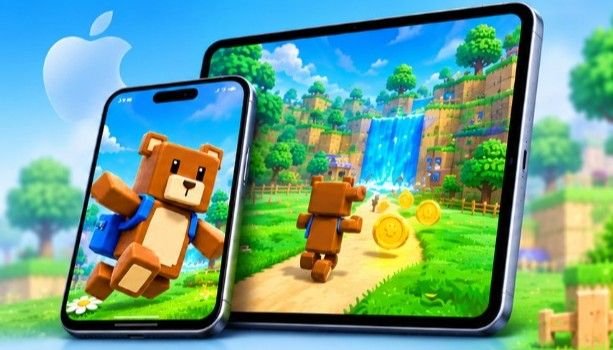
The App Store marks the game as designed for iPad, and the bigger screen shows more of each world. An iPhone is easier to carry and keeps the on-screen buttons close to your thumbs. You get the same content on both, and purchases follow your Apple Account.
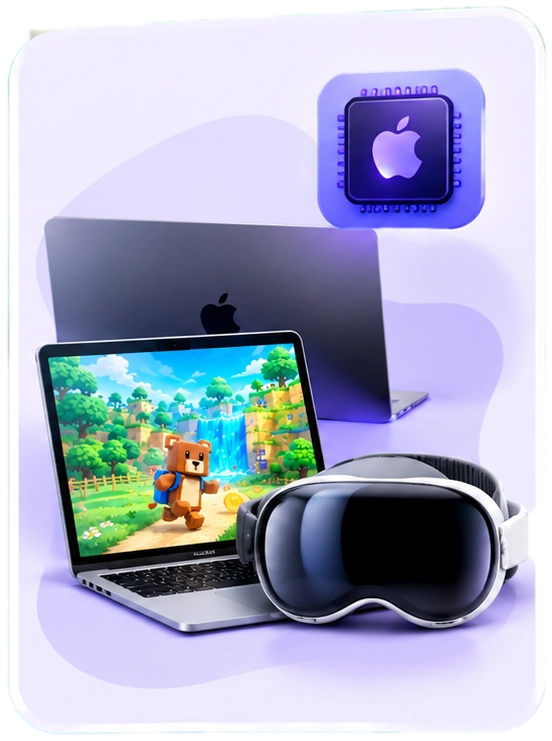
Mac and Apple Vision
The iPad version can also be installed on Macs with an Apple M1 chip or later (macOS 12.0+) and on Apple Vision Pro. The listing marks it “Not verified for macOS”, so the experience on Mac may not match iPhone or iPad.
How to Download Super Bear Adventure on iPhone and iPad
The App Store is the only official way to install the game on iOS. It takes about two minutes on Wi-Fi.
- Open the App Store and tap Search.
- Type Super Bear Adventure.
- Choose the game by Earthkwak Games. Similar-sounding games by other developers also appear, so check the name under the icon.
- Scroll to Information > Compatibility to confirm your device is supported.
- Tap Get, then confirm with Face ID, Touch ID or your password.
- When the download finishes, tap the icon to open the game and follow the short tutorial.
You can skip the search by opening the official App Store page directly.
How to Update to the Latest Version
- Open the App Store.
- Tap your profile picture in the top-right corner.
- Find Super Bear Adventure in the update list and tap Update.
Avoid IPA Files and Mod Versions
Some websites offer Super Bear Adventure as an IPA file, a “mod” with unlimited coins, or a shared save file. These are not made by Earthkwak Games. They can stop updates, corrupt your progress and put your device or Apple Account at risk. Stick to the App Store version.
To get updates automatically, turn on Settings > App Store > App Updates. Keeping up to date matters if you play with friends, because players on different versions may not be able to join the same party.
About Super Bear Adventure
Super Bear Adventure is a 3D platformer inspired by late-90s console games. It came to iOS in October 2020 and is made by Earthkwak Games, a small independent studio.
The story is simple. Bees in a peaceful kingdom start making purple honey, and anyone who eats it becomes a mindless enemy. You play as Baaren, a bear on a mission to free his captured friends and find out where the honey comes from.
Game Features on iOS
Six Open-World Levels
The main adventure covers six open levels, including Turtletown, Snow Valley, the Beemothep Desert, the Giant House and The Hive. You can explore each one freely instead of following a fixed path. Bear Village is the hub that connects them all.
Bears to Rescue and Bosses to Beat
Captured bears are locked in cages across every level. Freeing them moves the story forward, and each main area ends with a boss fight. The final battle takes place in The Hive.
Coins, Secrets and Bonus Levels
Levels are packed with coins, keys, stickers and hidden chests. After you finish The Hive, bonus “mole” levels unlock, including the Mole Mines, the Astral Temple and the new Crystalline Lagoon.
Bear Customization
You can dress Baaren in hundreds of hats, outfits and accessories. Many items can be combined and upgraded, and you can save preset outfits. Most items are bought with coins you earn in play.
Missions, Vehicles and Mini-Games
Tristopio hands out daily missions with fresh challenges. You can also drive vehicles, sail a pirate ship in the desert, and play arcade games such as go-kart racing in the Arcade World.
Controller Support
The game works with touch controls or a game controller. When a controller is connected, the on-screen jump and attack buttons switch to controller icons, and you can hide the touch buttons completely.
What’s New in Super Bear Adventure 13.0.8
Version 13.0.8 is a small fix: it corrects odd physics behaviour that appeared in 13.0.6. The bigger new content arrived with the 13.0 “Bundles Update” in July 2026, and installing 13.0.8 gives you all of it.
New in the 13.0 Update
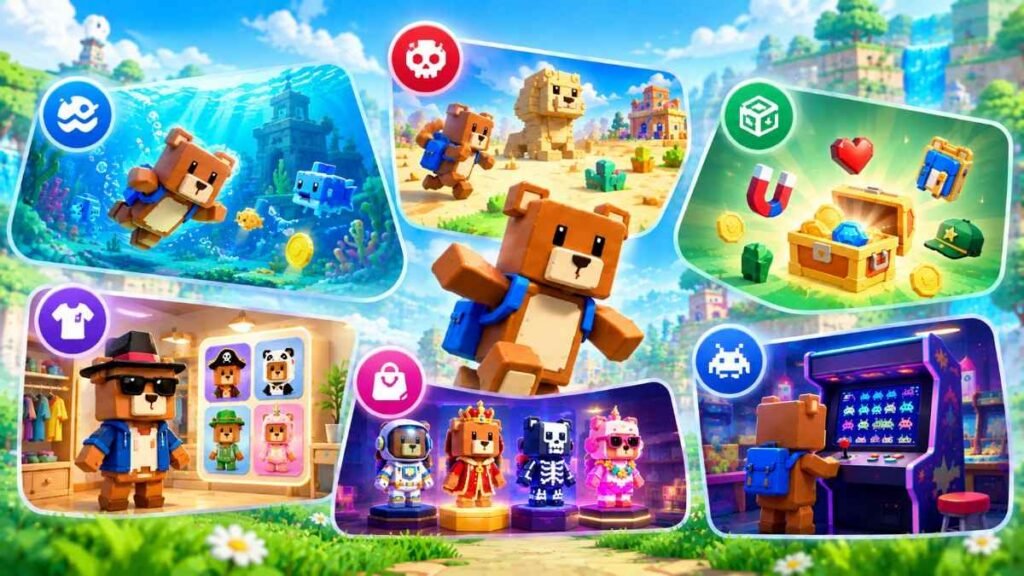
- Crystalline Lagoon: a new water-themed bonus level in Turtletown, with new swimming moves and underwater attacks. It also has an optional area that can only be completed in multiplayer.
- Hardcore Mode: tougher versions of Turtletown, Snow Valley, the Beemothep Desert and the Giant House, with new enemies and obstacles.
- 150+ new items: plus new upgrade levels for many existing items.
- New customization area: a redesigned wardrobe with preset outfits and a search tool.
- Cosmetic bundles: themed paid item sets sold at Capitalos’ shop.
- Cosmic Invaders: a new arcade machine in the Arcade World.
Recent iOS Fixes
| Version | Release Date | What Changed |
|---|---|---|
| 13.0.8 Latest | October 5, 2026 | Fixed physics problems introduced in 13.0.6 |
| 13.0.7 | October 4, 2026 | Game engine upgrade, notch-safe layout, in-app purchase fixes |
| 13.0.6 | September 23, 2026 | Fixed a crash on startup on iOS 27 (iPhone and iPad only) |
| 13.0.5 | September 18, 2026 | Fixed missions breaking when the device date was changed |
Dates are from the App Store version history. The full list of changes is on the official changelog.
Super Bear Adventure Multiplayer on iOS
Yes, you can play with friends on iPhone and iPad. Online co-op arrived in version 12.0 and supports up to four players. iOS players can team up with friends on Android and Nintendo Switch, and the game uses your Game Center name in multiplayer.
How to Create a Party
- Go to the Network Machine in Bear Village.
- Choose to create a new party.
- Copy the invite code the game gives you.
- Send the code to up to three friends.
The host can change party rules, such as turning player damage or collisions on and off, and can remove players. Big decisions, like entering a level, are made by group vote.
How to Join a Friend
- Ask the host for their invite code.
- Go to the Network Machine in Bear Village.
- Choose to join a party and paste the code.
There is no random matchmaking, so you only play with people who share your code.
What You Cannot Play Together
When multiplayer launched, The Hive, the Arcade World and Tristopio’s daily missions were single-player only. The developer said this was “for now”, so these may open up in later updates.
If You Cannot Join a Party
- Make sure every player has the same game version. The version number is shown on the lobby screen.
- Paste the invite code instead of typing it.
- Check that the party does not already have four players.
- Ask the host to create a fresh party and share the new code.
- Switch between Wi-Fi and mobile data to rule out a connection problem.
Is Super Bear Adventure Free on iOS?
Yes. You can download the game and play the full adventure without paying. The free version shows ads, and optional purchases are mostly cosmetic.
In-App Purchases and Prices
| Purchase | Price (US) | What it gives you |
|---|---|---|
| Remove Ads Upgrade |
$1.99 | Turns off ads |
| SBA Gold Upgrade |
$4.99 | Premium upgrade with extra perks, such as photo mode filters |
| SBA Gold (with Remove Ads) Upgrade |
$2.99 | Lower SBA Gold price if you already removed ads |
| Pierre Music Kit Vol.1 Kit |
$2.99 | Music-themed outfits and songs |
| Cosmic Crew Bundle Bundle |
$2.99 | Themed cosmetic items |
| Robot Lab Bundle Bundle |
$1.99 | Themed cosmetic items |
| Mission: Explorers Bundle Bundle |
$1.99 | Themed cosmetic items |
| Osos Latino Bundle Bundle |
$1.99 | Themed cosmetic items |
| Pirates of the forgotten sea Bundle Bundle |
$1.99 | Themed cosmetic items |
Prices vary by country. If you own Remove Ads or SBA Gold, you can spend Capitalus tokens instead of watching rewarded ads. Bundles bought on one save slot unlock on every save slot. The App Store also lists Family Sharing support for some purchases.
Can You Play Super Bear Adventure Offline?
The developer has not officially confirmed offline play. You definitely need an internet connection to download and update the game, play multiplayer, and make purchases.
If you want to play somewhere without signal, such as on a flight, try opening the game in Airplane Mode at home first so you know what to expect.
Super Bear Adventure Not Working on iPhone? Try These Fixes
Most problems are solved by updating the game, restarting your device, or checking your connection. Start there before trying anything else.
Game Crashes or Will Not Open
If you are on iOS 27, an older game version may crash on startup. The developer fixed this in version 13.0.6, so update to 13.0.8 from the App Store. If it still crashes, close the game from the app switcher, restart your device, and check that you have free storage.
Movement Feels Strange After an Update
Version 13.0.6 introduced some odd physics behaviour. It was fixed in 13.0.8, so updating should bring movement back to normal.
Stuck on Loading or a Black Screen
Give the first launch after an update a little longer. If it stays stuck, close the game, restart your device, and make sure you have enough free storage.
Progress Is Missing
The game has three save slots, so check each one on the save-select screen first. Version 12.1.4 fixed a bug that could corrupt save files, so keep the game updated.
The developer has not confirmed cloud saves on iOS. Do not delete the game to fix a problem, because your progress may not come back after reinstalling. Contact the developer first if you are unsure.
Daily Missions Not Completing
Changing your device’s date or time to skip mission timers can break missions. Version 13.0.5 fixed this, but set your date and time to Automatic in Settings > General > Date & Time to avoid problems.
Purchases Not Showing Up
Make sure you are signed in with the same Apple Account you used to buy, and update the game, since 13.0.7 fixed some in-app purchase issues. For a refund or billing problem, use Apple’s Report a Problem page.
Latest Version Not Appearing
Open your App Store account page and pull down to refresh the update list. If 13.0.8 still does not appear, check that your device is running iOS 15.0 or later.
Contact the Developer
If none of these steps work, contact Earthkwak Games through the official support page, which links to the developer’s email and official Discord server. Include your device model, iOS version, game version and what happened just before the problem.